
Vidya Academy of Science & Technology
A unit of Vidya International Charitable Trust



Vidya Sponsor Scholarship Scheme
Click here to fill the details.WELCOME TO Vidya Academy of Science & Technology
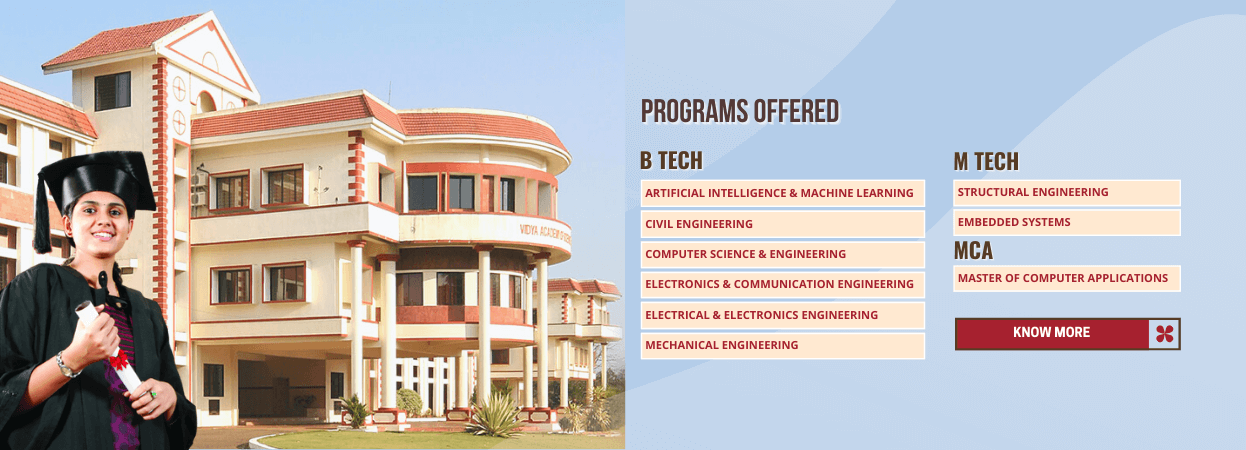
Vidya Academy of Science & Technology (VAST) is a state-of-the-art engineering college conforming to international standards. This model engineering college is approved by AICTE vide approval NO./06/ KER/ENGG/2002/91 dated 12/05/03 and affiliated to APJ Abdul Kalam Technological University. In few years VAST has evolved and achieved recognition as a notable School of Engineering with its competent and committed...



-
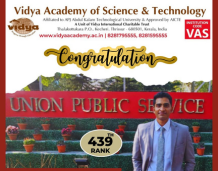 Our alumnus Akshay Dileep on the Civil Services listStanding ovation to our alumnus Akshay Dileep who excels in the UPSC Civil Services Examination
 -
-
-
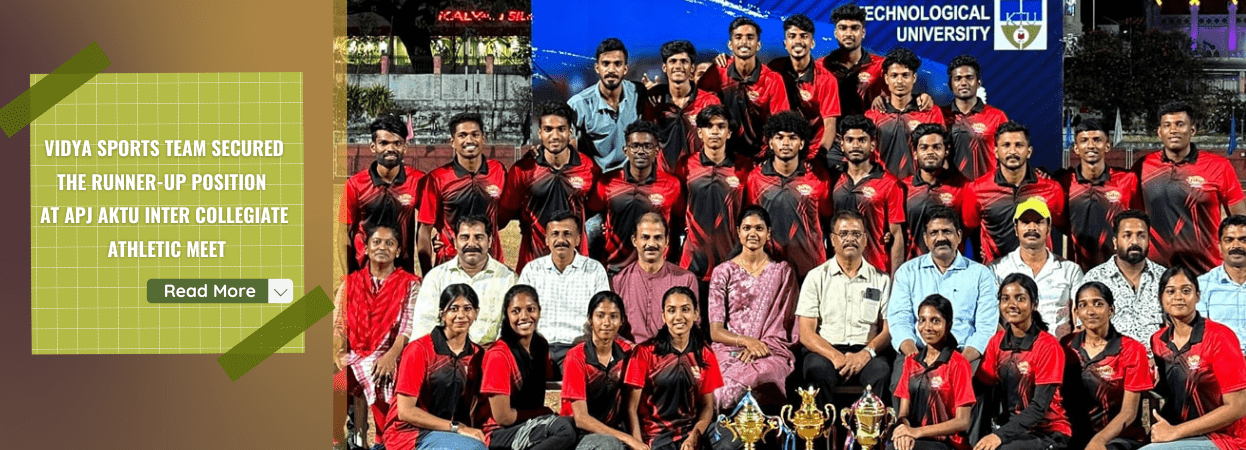
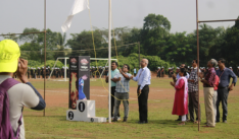
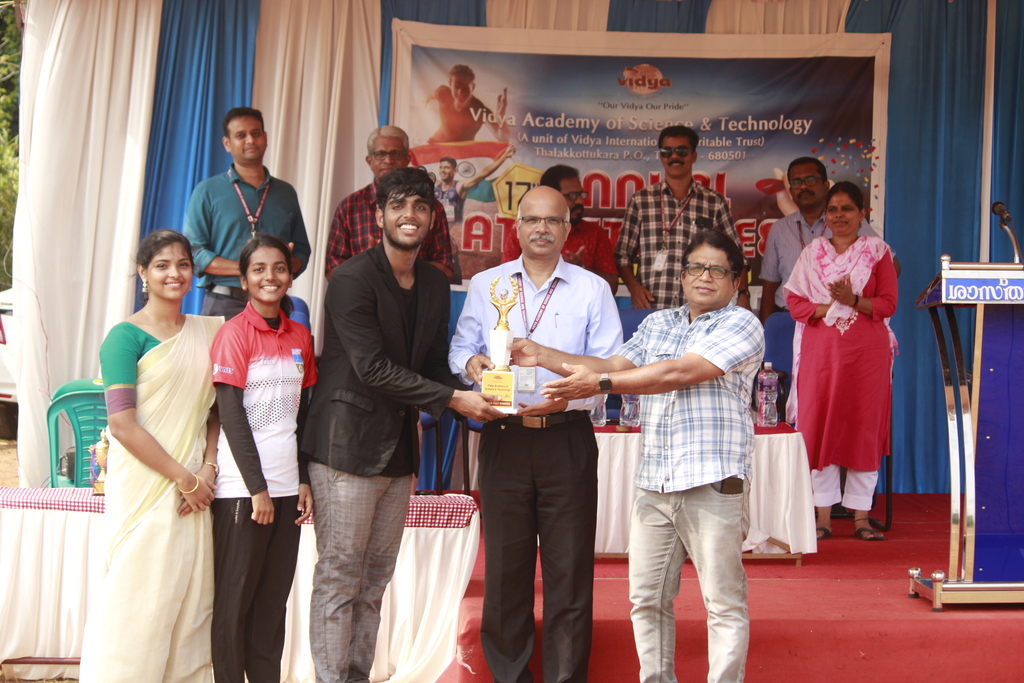
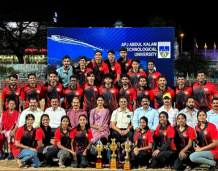 Runner-up position at Inter Collegiate Athletic MeetBig round of applause to Vidya Sports Team on securing the runner-up position at APJ AKTU Inter Collegiate Athletic Meet
 -
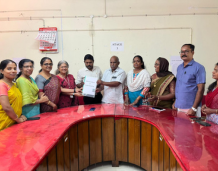 Vidya signs MoU with Cherpu Block PanchayathCherpu Block Panchayath signed the MoU between Cherpu Block Panchayath and two Departments of Vidya 10 February 2024.
 -
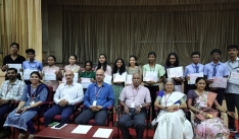
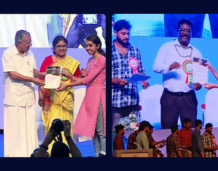 Prathibha Puraskar Scholarship 2021-22Vidya students shine at Chief Minister's Prathibha Puraskar Scholarship 2021-22
 -
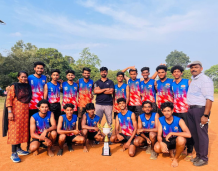 University Champions - Vidya Kho Kho Team (Men)Big round of applause to University Champions - Vidya Kho Kho Team (Men)
 -
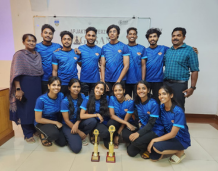 Vidya Yoga Teams achievements in Inter ZoneVidya Yoga Team (Men) wins trophy for Champion and Runner Up (Women) in the APJ AKTU Inter Zone Yoga Championship
 -
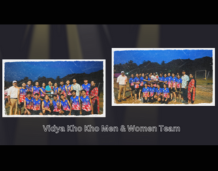 Vidya Kho Kho teams achievements in E ZoneVidya Kho Kho team Men Team wins trophy for Champion and women team wins second runner up in E Zone Inter Collegiate Championship
 -
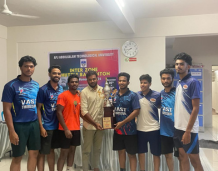 Badminton team becomes champions of E ZoneThe caliber of each student is recognized and honed in Vidya. This has brought many achievements in the field of sports as well. It is with much pride, the Dept of Phy. Edn is sharing the news...
 -
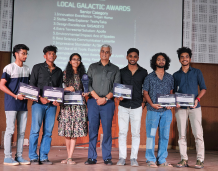 IEDC Team wins Local Galactic AwardIEDC Team wins Local Galactic Award for Design Excellence in the NASA Space App Challenge
 -
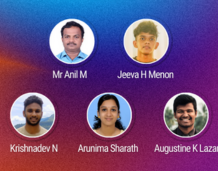 IEDC Team wins the state level competitionHearty congratulations ! IEDC Team wins the state level competition in the Young Innovators Program
 -
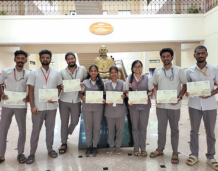 ISV volunteers on receiving their exemplary awardBig round of applause to ISV volunteers on receiving their exemplary award as mentors in the vocational awareness initiative of SA WG, ISV
 -
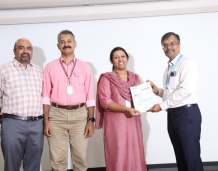 Academic Membership with ICT Academy of KeralaICT Academy of Kerala is a Social Enterprise created in a Public Private Partnership model (PPP) for imparting ICT skills to the youths of Kerala and improving their employability opportunities in...
 -
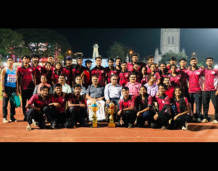 Second runner up at Inter Collegiate Athletic MeetVidya Sports Team grabs second runner up position at APJ AKTU Inter Collegiate Athletic Meet
 -
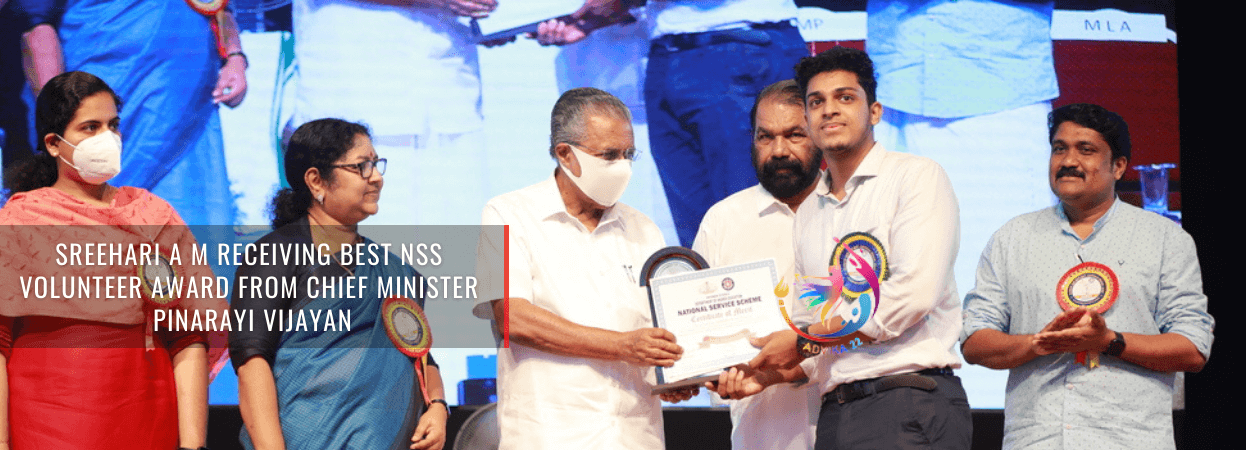
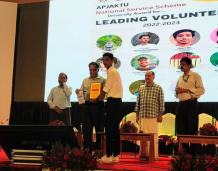 APJAKTU NSS Cell Directorate Level Best Volunteer AwardVidya NSS Volunteer receives APJ AKTU NSS Cell Directorate Level Best Volunteer Award
 -
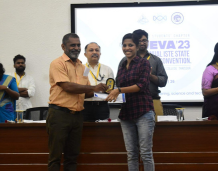 Vidya student bags ISTE Best Student AwardKavya M Jayanthan (S8, EEE Dept) is bestowed with Best Student Award instituted ISTE
 -
 8th position in All India Red Hat Aptitude TestVidya CSE Student proved it again that they are capable of dreaming big and faring well in life. Nandakishor T (S8, CSE Dept) proved his mattle by securing 8th position in the All India Aptitude...
 -
 Adarsh KP to represent APJAKTU Cricket TeamVidya student to represent APJAKTU Cricket Team in the South India Inter University Championship
 -
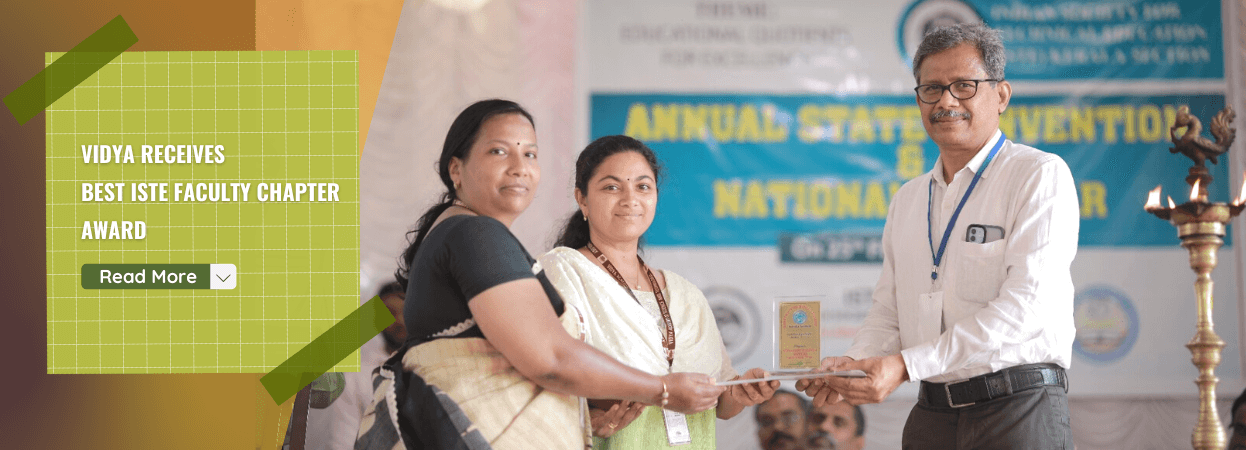
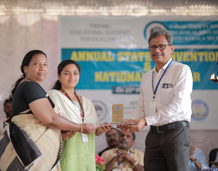 Vidya receives Best ISTE Faculty Chapter AwardVidya continues to get accolades with Best Faculty Chapter of ISTE Kerala Section
 -
 Vidya student started attending the NSS RD CampVidya NSS Volunteer Secretary joins the month long Republic Day Parade Camp in Delhi
 -
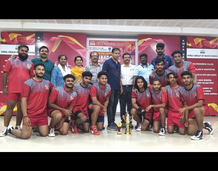 Vidya Kabaddi Team retains the APJAKTU ChampionshipMr Bhavin K Bharath successfully defended his thesis titled "Investigations of Ternary Alcohol Blends and Hybrid Nanolubricant on Performance, Emission, Noise and Vibration Characteristics of a SI...
 -
 Reshma P R secures KTU first rank in MCAA great news from the department of Computer Applications that, P R Reshma (2019 - 22 Batch) has secured first rank in MCA (3 year course) with a CGPA (Cumulative Grade Point Average) of 9.72.
 -
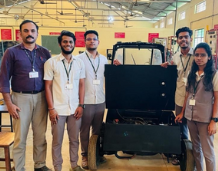 ME students develop petrol-electricity hybrid autoA group of ME students of Vidya, as part of their final year project, designed and developed a novel hybrid auto that can run both on petrol and electricity.
 -
 ME student wins Gold Medals in Kerala College GamesThe Kerala State Sports Council organized the 11th College Games 2022 at Maharajas College Synthetic Athletic Stadium, Ernakulam during 04 - 06 June 2022 with the aim to promote top level athletes...
 -
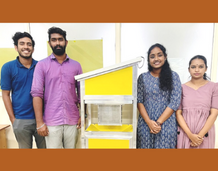 Best Project Award in IGNITE Innovation Challenge 2022IEDC Team grabs Best Project Award in IGNITE Innovation Challenge 2022
 -
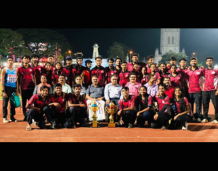 Second runner up at Collegiate Athletic MeetVidya Sports Team grabs second runner up position at APJ AKTU Inter Collegiate Athletic Meet
 -
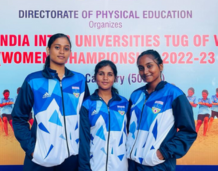 Participation in Inter University ChampionshipVidya students participate in All India Inter University Tug of War Championship
 -
 Vidya student to represent APJ AKTU Shooting teamVidya student to represent APJ AKTU in the All India Inter University Shooting Championship

Vidya Mobile
Re-Launching of Vidya Mobile, an Android app for VAST, Thrissur
Whats New


Information
Address
Vidya Academy of Science & Technology
Thalakottukara P.O., Kecheri, Thrissur - 680501, Kerala, India
Phone: +91 4885 287751, 287752
Fax: +91 4885 288366
E-Mail: principal@vidyaacademy.ac.in
VICT | Vidya Kilimanoor | IT Division
locate us

Affiliated to APJ Abdul Kalam Technological University & Approved by AICTE | ISO 9001 : 2015
Copyright © 2024, www.vidyaacademy.ac.in. All Rights Reserved.